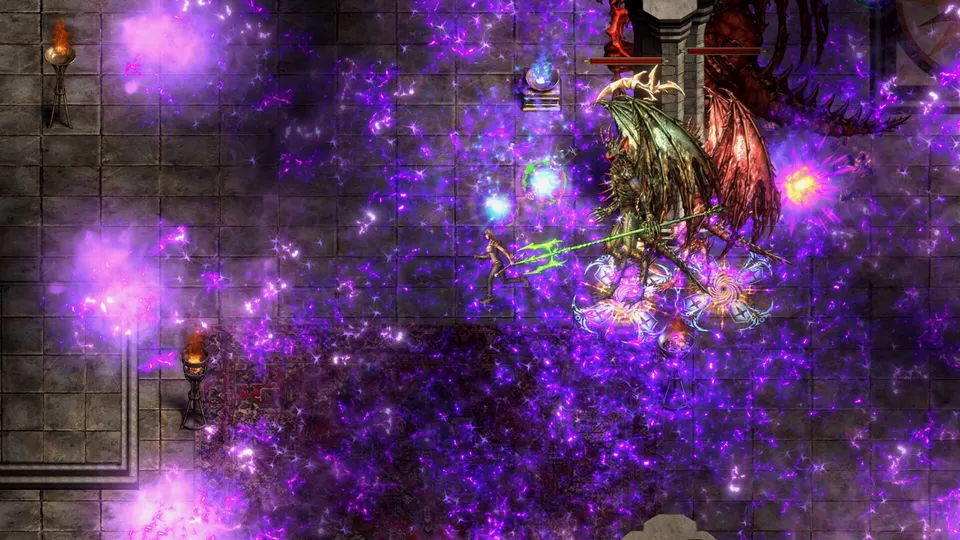
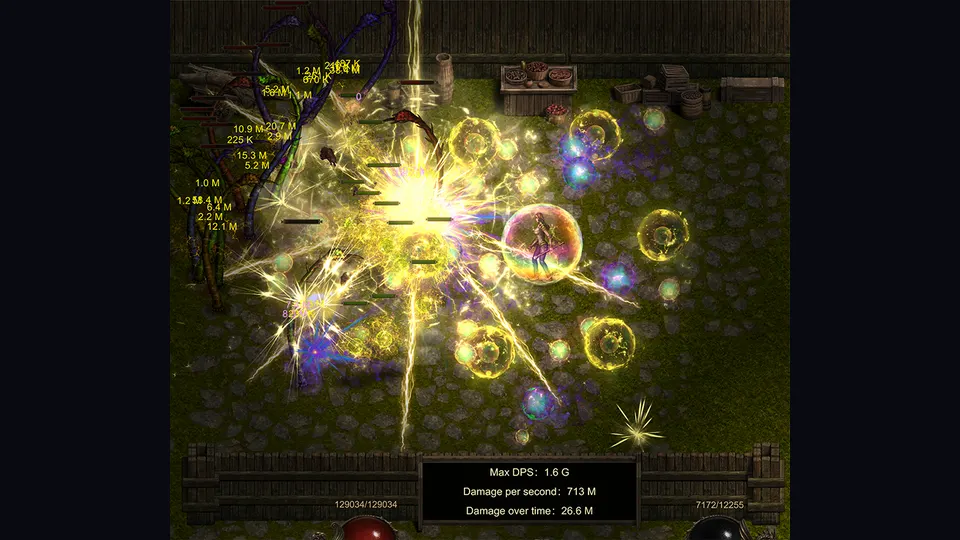
Shadow Dungeon can put a ridiculous number of enemies, projectiles and chained skill effects on screen at once. That is part of the fun — and also the exact moment a smooth first hour can turn into “why did my frame time just fall down the stairs?”
A few launch players are already reporting stutter or performance drops as fights get busier. The good news is that there are several verified fixes and optimizations. The bad news is that there is not yet a magic community preset we trust enough to call “best settings.”
So this page sticks to what the game and current client actually support.
First: update to 1.0.1 or newer
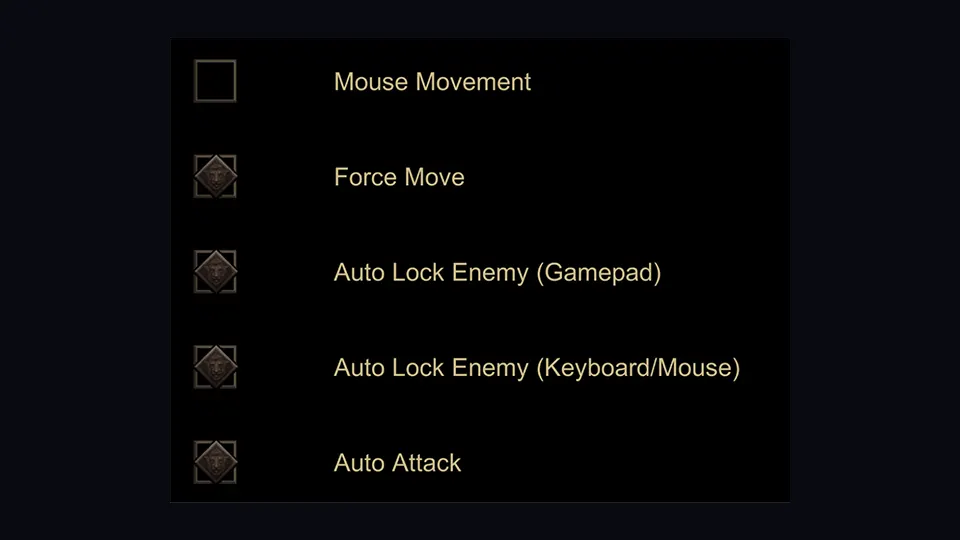
Patch 1.0.1 added more screen resolutions and fixed frame drops while playing with a controller. It also fixed controllers not being recognized at all.
If your performance problem only appears when a gamepad is connected, do not spend an hour tuning graphics before checking the patch number.
The developer already cut the heaviest visual load
For 1.0, OO Cat says visual-effect particle count was reduced by about 60%, with an approximately 40% frame-rate improvement from that optimization work.
Treat the 40% as a developer-reported result, not a guarantee that your GPU will jump from 50 FPS to exactly 70 FPS.
The important part is the direction: dense particle effects were identified as a real performance cost and were specifically reduced for release.
October 2026 added particle-effect quality levels and 6K display support. That is a settings lever, not a new “40% FPS” claim. Same post: October 2026 update.
Lighting and contrast were also changed
The same 1.0 notes mention:
- global lighting controls
- dimmer torch lighting
- reduced difference between very bright and very dark areas
- lower ground contrast to reduce eye strain
Those changes are mostly about readability/comfort, but they matter in a game where the floor can disappear under spell effects.
Steam Deck: currently Playable, not a flawless console port
Steam compatibility metadata currently marks Shadow Dungeon Playable on Steam Deck.
The useful caveats are:
- some functions may require touchscreen, virtual keyboard or a community configuration
- some controller glyphs may not match the Deck
- text entry can require manually opening the on-screen keyboard
- some text may be small
- the default graphics configuration is reported as performing well
- the game runs successfully on SteamOS
That is a much more honest description than “Steam Deck verified, works perfectly.”
Deck-specific changes in 1.0
OO Cat also shipped changes specifically for handheld play:
- larger fonts
- context-sensitive face-button actions
- some maps scaled down
- some environmental props removed to improve frame rate
So if you compare a Deck screenshot to a desktop map and something looks slightly simplified, that can be intentional optimization rather than missing content.
If the game stutters during huge fights
Use this troubleshooting order:
- Update the game. Launch patches are changing real performance bugs.
- Restart after the update. Especially if controller behavior changed mid-session.
- Check the new resolution options. Use a native or sensible lower output rather than forcing an odd mode.
- Test with controller disconnected if the hitching seems input-related.
- Compare a quiet room with a particle-heavy fight. If only dense fights tank, you have identified the load type.
- Reduce whatever visual options the client actually exposes. Do not install mystery config files from guides that cannot show where the setting comes from.
We are deliberately not publishing fake switches such as “disable ray tracing” or “turn off Nvidia Reflex” because those features are not documented here.
Why a build can become a performance problem
Shadow Dungeon gear can trigger other skills, projectiles and summons. A build that looks fine with one Lightning Ball can become a moving fireworks factory once several items start generating extra effects.
So if performance gets worse after a gear change, test the build too — not only the graphics menu.
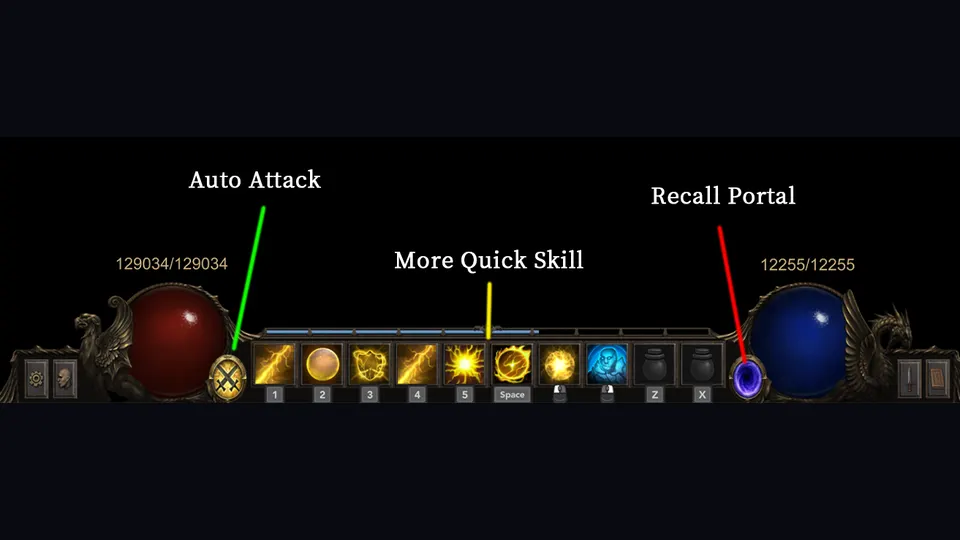
Turn off auto attack, remove one proc-heavy item, or test fewer simultaneous cooldowns. If the hitch disappears, the issue may be effect density rather than a global graphics setting.
The sensible launch-week expectation
The game is one day out and already has a bug-fix patch. That means settings advice can age very quickly.
For now:
- stay current
- use the built-in options
- treat controller-specific stutter as a known fixed issue on 1.0.1
- expect heavy effect builds to be the real stress test
- avoid “ultimate FPS boost” guides that invent engine flags without evidence
We will add concrete setting-by-setting recommendations when the client options have been tested across a few more machines.