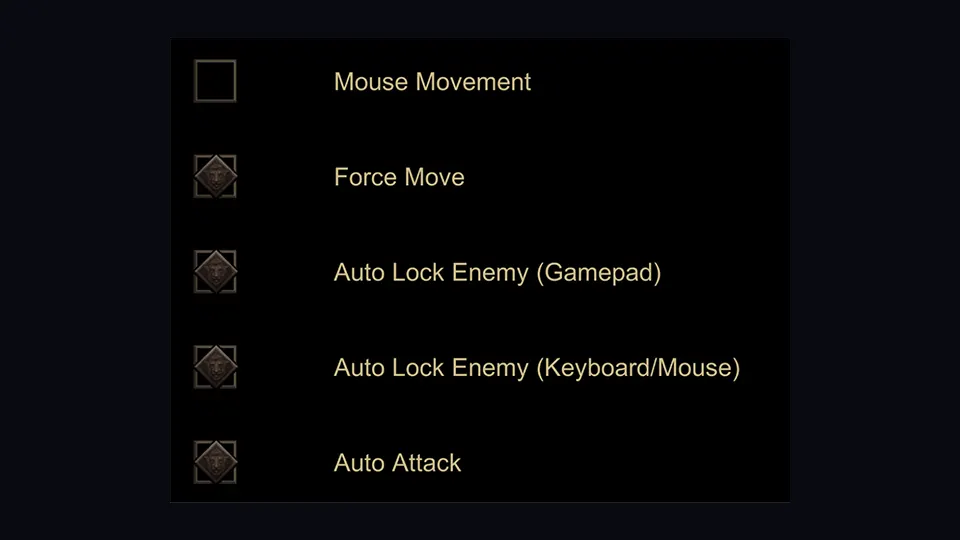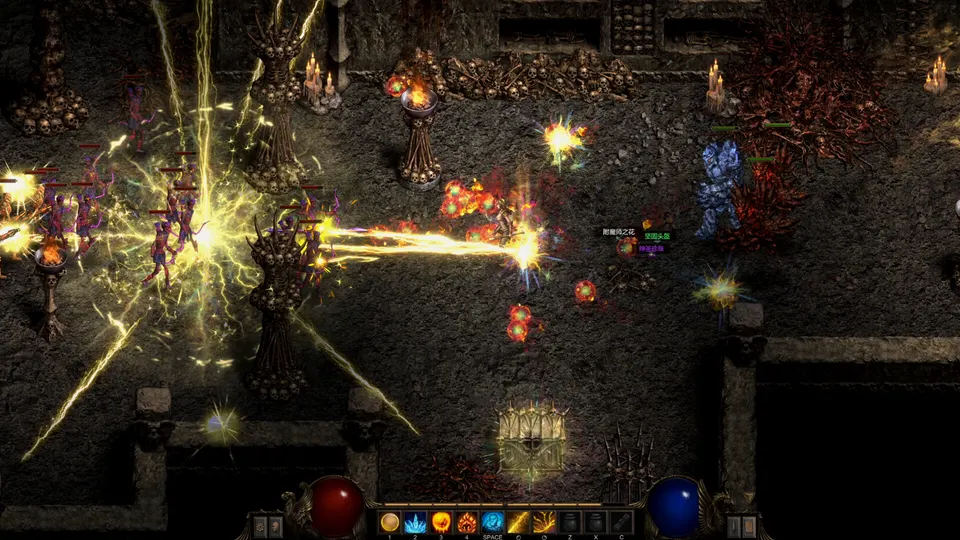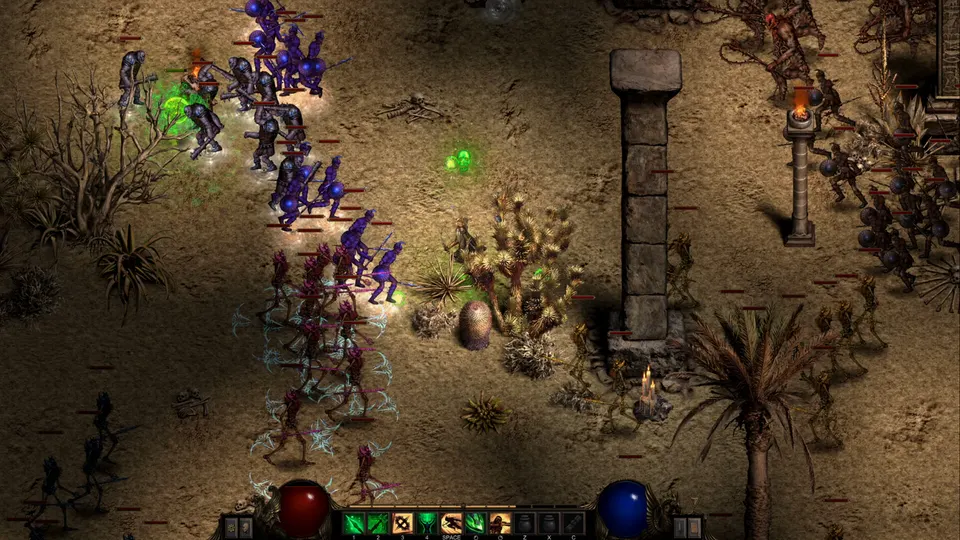
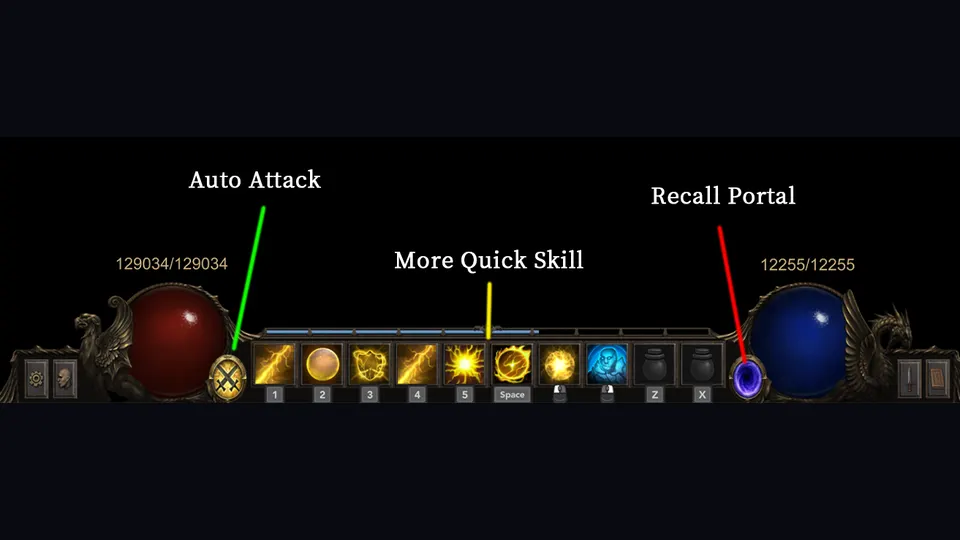
Shadow Dungeon has two ideas that sound similar but are not quite the same: automatic attacking and putting several skills on one shortcut.
That distinction matters. If you mash them together mentally, the game can suddenly feel like it is playing itself — or like it is eating your mana for no reason.
The short version
- Controller automatic attacks are an official 1.0 feature, paired with automatic target acquisition and per-skill targeting behavior.
- Multiple skills on one shortcut were explicitly explained in the full-release tutorial and then tested in live gameplay.
- Auto attack does not remove every targeting decision. In tested mouse/WASD play, the player still had to aim/steer where abilities were going.
- Grouping too many cooldowns can turn your mana bar into smoke.
- October 2026 gave each skill on the bar its own Auto-Attack toggle, and summoning skills now summon without a manual cast. That is the first official way to keep one skill automated without turning the whole bar loose. Details on the October 2026 update.
How to put multiple skills on one button
The full-release tutorial says different skills can share the same shortcut without conflict. In the tested run, the player later remembered that line, bound several cooldown skills together, and confirmed that one button could cycle/fire the grouped skills.
Practical setup:
- Open your talent/skill interface.
- Put the active skills you actually want in the same combat rhythm on the same shortcut.
- Leave long-duration ground effects or situational movement skills separate if you do not want them firing every time.
- Test the setup on normal packs before trusting it in a boss room.
- Watch mana. If the bar disappears, your “convenience” key is doing too much.
This is exactly the sort of feature that feels brilliant with two or three compatible cooldowns and ridiculous with everything you own stapled to one button.
Auto attack is not the same thing as a perfect rotation
In the tested Sorcerer run, turning on auto attack made the character use abilities automatically, including defensive skills. It reduced button pressure dramatically.
The player also noticed the downside: once automation was doing most of the work, normal maps became almost completely hands-off. That can be comfortable, but it also makes it harder to learn which skill is actually carrying the build.
Our recommendation: use auto attack for farming comfort; turn it off when you are diagnosing damage, mana, cooldowns or boss behavior.
A good one-key layout for the tested Lightning Sorcerer
We are not calling this “the best rotation.” It is simply a sensible arrangement based on the tested launch-day kit.
Keep on your main combat key:
- Lightning Ball or your repeatable main damage skill
- short-cooldown burst that you are happy firing whenever available
Consider grouping:
- Lightning Barrier if you want it kept active automatically
- another short cooldown that targets reasonably with your movement style
Keep separate:
- Thunder Teleport / blink-style movement
- persistent area effects you want placed deliberately
- anything with a long cooldown you may need for a boss phase
If you bind your movement escape to the same button as your damage spam, do not act surprised when the game launches you somewhere stupid.
Why your mana disappears faster with automation
When several skills are eligible at once, automation can simply spend faster than your manual rhythm did.
That does not mean your build is bugged. It means your previous human reaction time was accidentally functioning as resource management.
If grouped casting empties mana:
- remove one expensive cooldown from the group
- use a mana potion more deliberately
- look for gear/passives that support your actual element and mana needs
- test whether your main skill already kills packs without the extra fireworks
Controller vs mouse/WASD
Controller gets the strongest official automation package: target acquisition, automatic attacks and skill-specific targeting.
Mouse/WASD gives you more direct placement. In the tested run, the player preferred WASD because it separated movement from aiming, then customized several binds to make the growing skill bar less awkward.
Neither is “correct.” Pick the one that makes your character readable to you.
If auto attack or controller behavior feels broken
Update first.
Patch 1.0.1 fixed controllers not being recognized and frame drops while using a controller. A launch-day input problem may have been the game, not your settings.
If you are already patched:
- Recheck the in-game bindings.
- Test one skill by itself.
- Add grouped shortcuts one at a time.
- Turn off auto attack to see whether targeting or automation is the actual problem.
That four-step test is faster than randomly rebinding your entire keyboard.