If your controller did absolutely nothing on launch day, there is a good chance you were not imagining it.
Patch 1.0.1 fixed controllers not being recognized. It also fixed frame drops while playing with a controller.
So the first troubleshooting step is boring but important: update the game.
Controller features that are actually official
Version 1.0 documents:
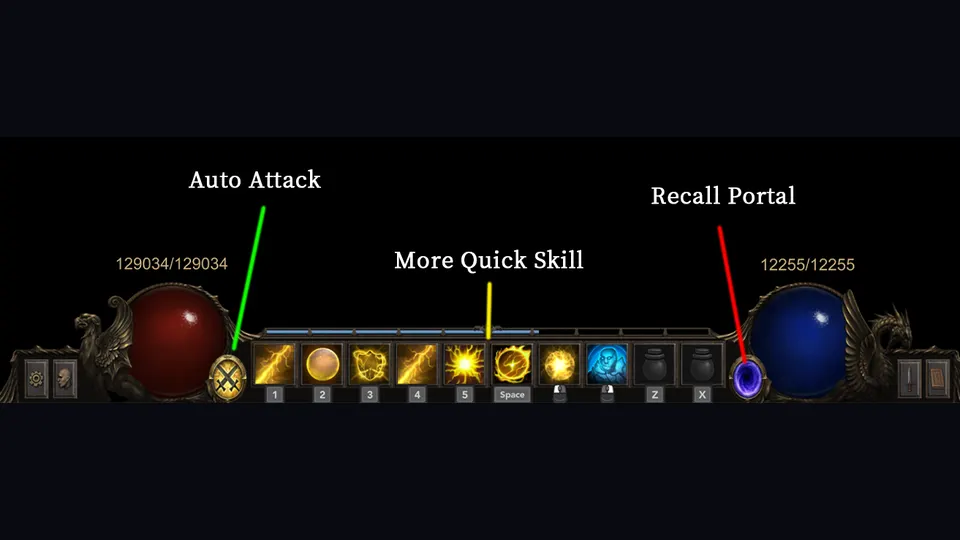
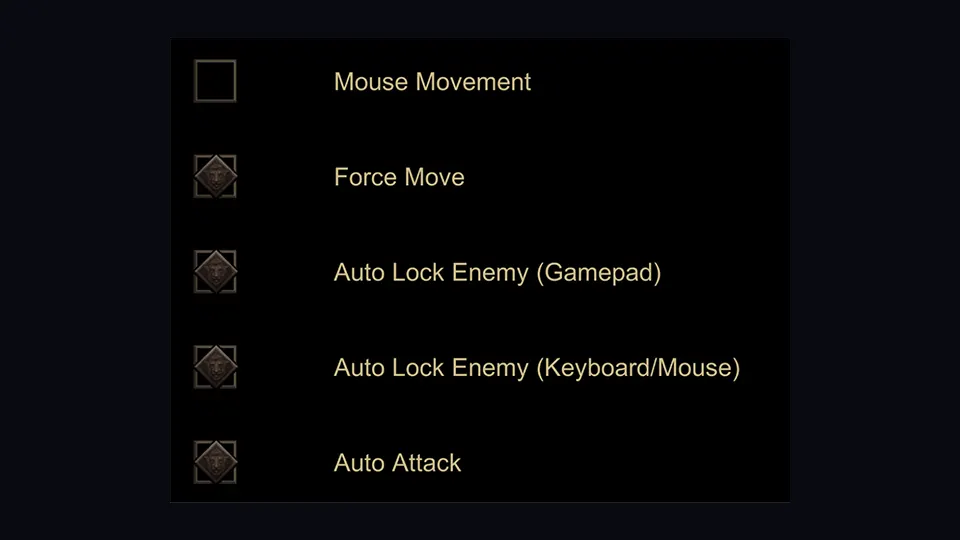
- automatic target acquisition
- automatic attacks
- intelligent targeting behavior per skill
- one-button use of all buff potions
- L1/R1 paging in inventory, storage, talent tree and other paged menus
- mouse movement support on PC
- customizable cursor size
That is a much more useful list than a fan-made “default bind table” that may already be wrong after you remap controls.
Controller not recognized: try this order
- Update to 1.0.1 or newer.
- Fully reconnect the controller after the update.
- Check that the game sees the pad in its own settings.
- Test one active skill before rebuilding all your bindings.
- If inputs work but performance tanks only on controller, confirm you are patched — that exact frame-drop issue was listed in 1.0.1.
Do not start installing random input wrappers before you have ruled out the known launch bug.
Steam Deck has context-sensitive buttons
OO Cat published specific Steam Deck behavior. The same face button can do different things depending on the panel you have open.
Examples from the official notes:
- Inventory open: X drops an item
- Shop open: X sells an item
- Storage open: X sends an item to storage
- Skill panel open: X fully upgrades the selected skill
When adding skill points:
- A adds 1 point
- X maxes the selected skill
- Y maxes the skill and all of its sub-skills
That context-sensitive approach is why memorizing one universal “X always does this” rule does not work.
Deck performance changes
The 1.0 notes also mention:
- increased font size
- many maps scaled down
- some environmental objects removed to improve frame rate
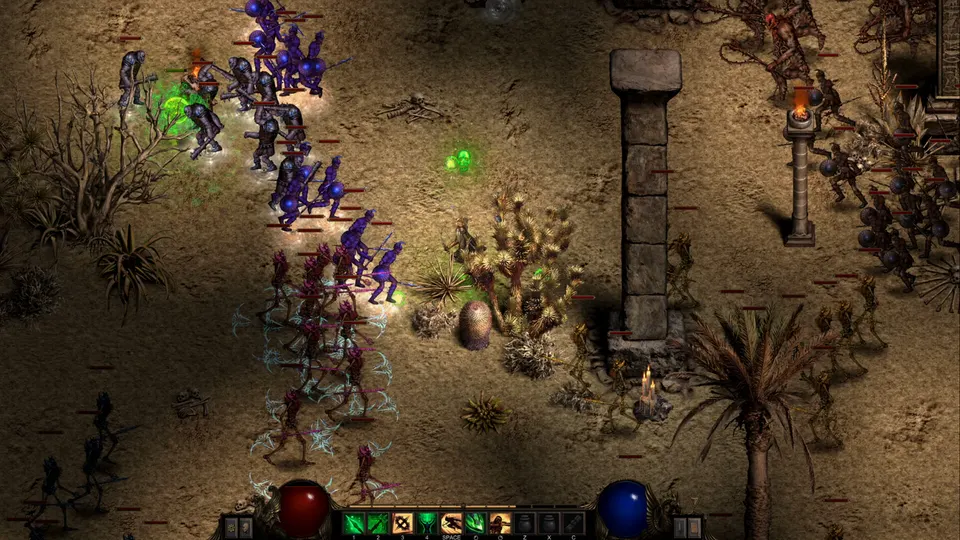
General 1.0 optimization reduced visual-effect particles by about 60% and the developer reported roughly 40% higher frame rates from that work. Patch 1.0.1 added more resolutions on top of the launch changes.
Current Steam Deck status: Playable, with caveats
Steam compatibility metadata currently lists Shadow Dungeon as Playable on Steam Deck rather than presenting it as a no-caveat console experience.
The current notes include a few things worth knowing before you blame your controller:
- some functions may need touchscreen, the virtual keyboard, or a community configuration
- controller glyphs can sometimes show a non-Deck layout
- text input may require manually opening the on-screen keyboard
- some text can be small
- the default graphics configuration is reported to perform well
- the game runs successfully on SteamOS
That lines up with OO Cat’s own 1.0 work: bigger fonts, context-sensitive controls and simplified maps/props for performance.
Should you use controller or mouse/WASD?
Controller is attractive if you want the game doing more target selection and automatic attacking for you.
Mouse/WASD is attractive if you want exact manual placement, especially once a build has several cooldowns and movement skills.
In launch-day Sorcerer footage, the player explicitly preferred WASD after testing because it made moving and aiming feel easier to separate. That is preference, not a hidden DPS bonus.
The setting we would change first
If you use a mouse on a large/high-resolution display, increase cursor size until you stop losing it inside spell effects. The developer specifically added customizable cursor size for a reason.
A visible cursor is a better “performance upgrade” than missing the spot where you thought you were aiming.