Shadow Dungeon has a funny problem: it is very good at giving you loot.
For the first few maps, that feels great. Then your backpack fills, your floor is covered in equipment, and you start spending more time deciding whether a blue glove is 2% better than another blue glove than actually killing monsters.
The fix is not “be more patient.” The game gives you tools. Use them.
Start broad, then tighten the pickup filter
Full-release gameplay shows a filter in Settings → pickup/filter controls. The player initially collected basically everything, then progressively raised the threshold as low-rarity gear stopped being useful.
That is the right mindset.
Early game: keep enough visible that you can fill empty slots and learn what stats exist.
Later in the same session: if your backpack is filling every map, raise the floor.
Do not inspect every item the moment it drops
A simple workflow is faster:
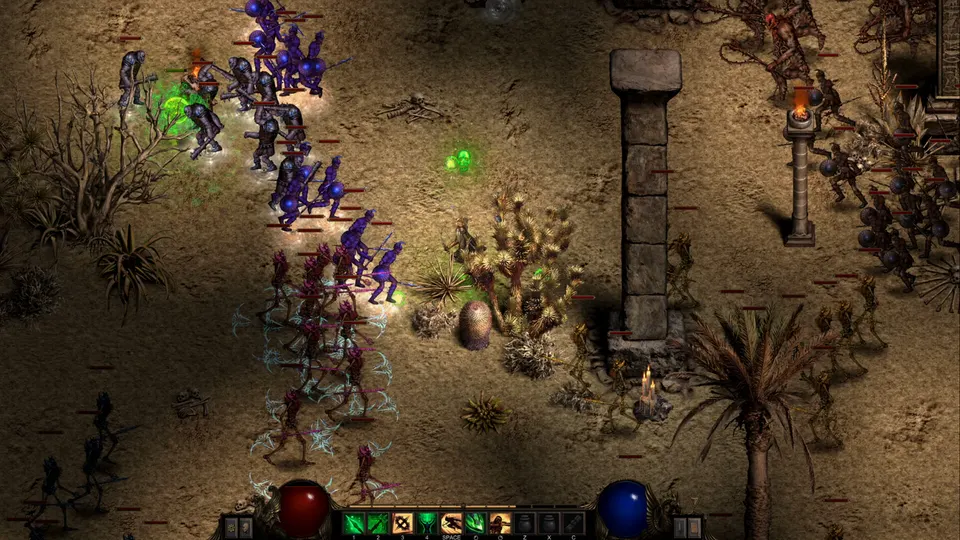
- Keep fighting until the area is safe.
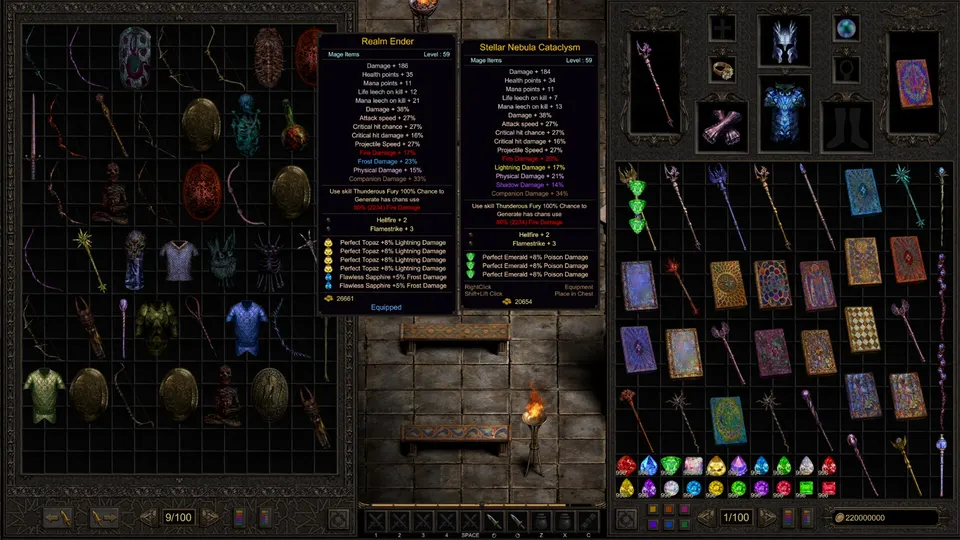
- Sort the backpack.
- Look first for items that match your class and element.
- Compare obvious upgrades.
- Sell or salvage the rest in batches.
The launch-day Sorcerer run became much smoother once the player stopped opening inventory every ten seconds and started scanning for lightning-relevant affixes and skill levels.
Use class-aware selling
Tested gameplay showed a shortcut for selling gear meant for other classes. That is a massive quality-of-life win when the drop pool includes class-specific weapons and skill effects.
You do not need to memorize every Necromancer item while playing Sorcerer. Move it out of your active inventory and keep playing.
Buyback exists
The merchant has a buyback toggle in the tested full-release build.
That does not mean you should sell carelessly, but it removes some of the fear from batch cleanup. If you notice the mistake immediately, check buyback before reloading or rage-quitting.
Stash carefully: consumables can leave your hotbar
One full-release test exposed a sneaky usability problem: dumping items into storage could also remove equipped potions from the active bar.
So after a big stash cleanup, glance at your potion slots before walking straight into a boss.
That is the kind of tiny thing you only learn after it bites you once.
How backpack expansion works
The official Steam store says you can unlock additional inventory pages through quests and that the warehouse has unlimited pages.
Launch-day gameplay also showed a permanent item that increased backpack pages by one, and the player later had four inventory pages.
What we do not have is a verified “farm this boss for backpack pages” route or a drop-rate table.
The best filter is build-dependent
For a lightning Sorcerer, a mediocre-looking item with +skill levels or useful lightning-related stats may matter more than a higher-rarity item full of the wrong element.
That is why a universal “only pick up purple” rule is bad advice this early.
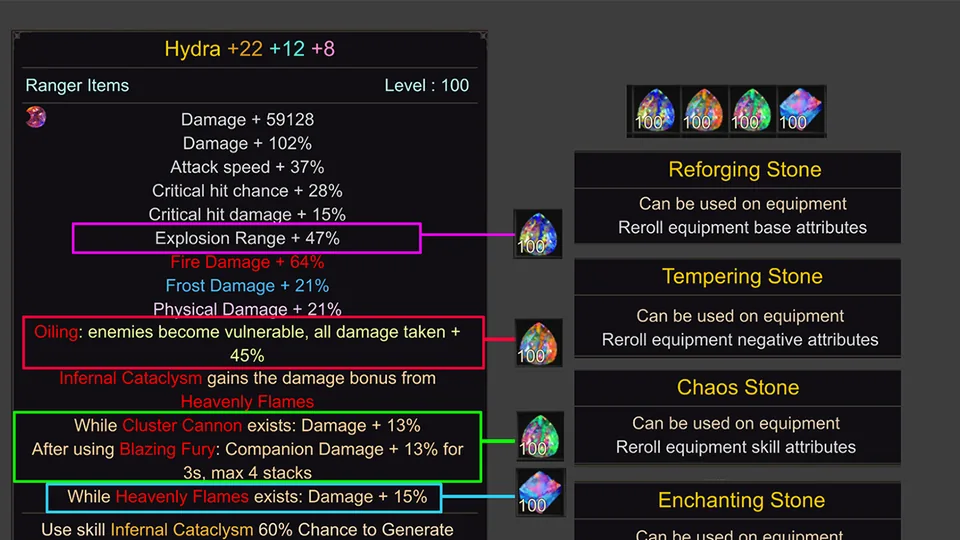
The item system has over 1,000 weapon affixes in 1.0 and thousands of weapon-granted skills. Rarity helps you triage; it does not replace reading the affixes that actually support your character.
When Treasure Sprites enter the picture
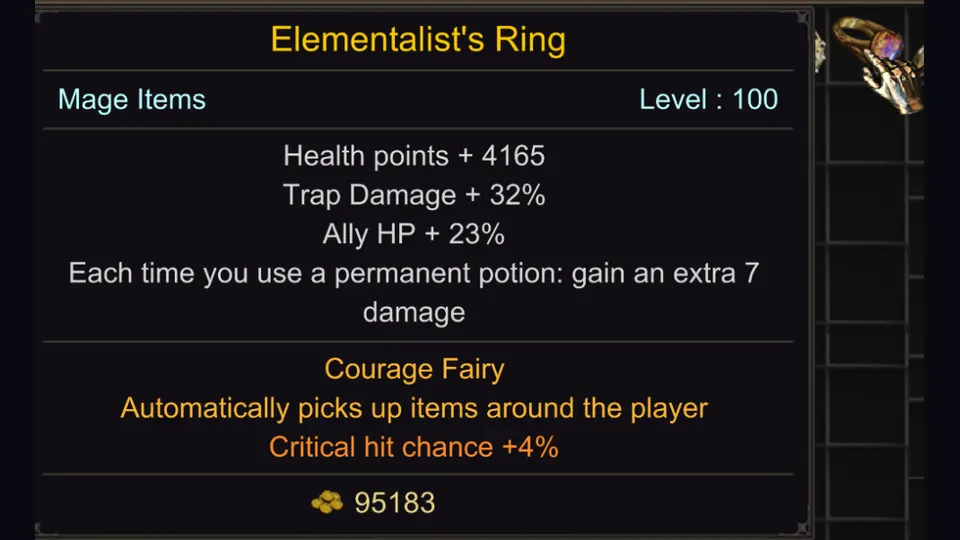
Treasure Sprites are the next stage of loot management. Officially they can pick up equipment, salvage unwanted gear into gold, and even pass through walls to retrieve stuck drops.
Once your Sprite is working properly, the goal becomes: you decide the filter and what counts as trash; the Sprite reduces the walking and clicking.
Patch 1.0.1 fixed fairy auto salvage, so update if that part simply refuses to work.
Our practical inventory rules
- Keep the filter loose until your core slots stop being terrible.
- Tighten it when the backpack interrupts every map.
- Batch-sort in safe moments.
- Sell other-class trash without overthinking it.
- Use buyback if you misclick.
- Check potion bindings after stash cleanup.
- Keep build-relevant affixes over “pretty color” rarity assumptions.
- Let Treasure Sprites handle grunt work once available.
- Never trust a “guaranteed backpack-page farm” unless a source proves it.
October 2026 added inventory pages that can be set to pick up specific item types, plus favorites that skip Sell All and keep their slot when you sort. That is the first official answer to “I sorted and my keepers jumped.” Details on the October 2026 update.